Automation guide / TradingView & Futures
How to Automate TradingView Indicators on Binance for Free
No paid alerts or webhooks: Supertrend signals travel through a visual color strip to a Chrome extension that connects with Binance Futures.
Explore free Pine Script indicators and strategies with real chart examples, clear explanations, and downloadable source code. See how each one works, what has been improved, and how to try it on your own charts.
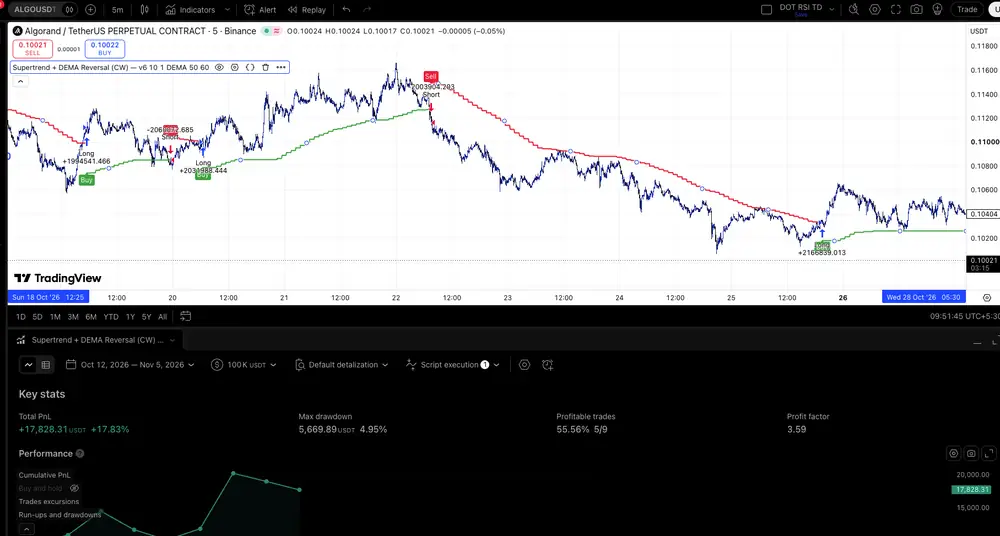
Turn Supertrend signals into testable long and short reversals, with a configurable DEMA source and free Pine Script v6 code.
Read the articleA modified Supertrend that uses DEMA as its source and converts buy/sell signals into simulated long and short trades.
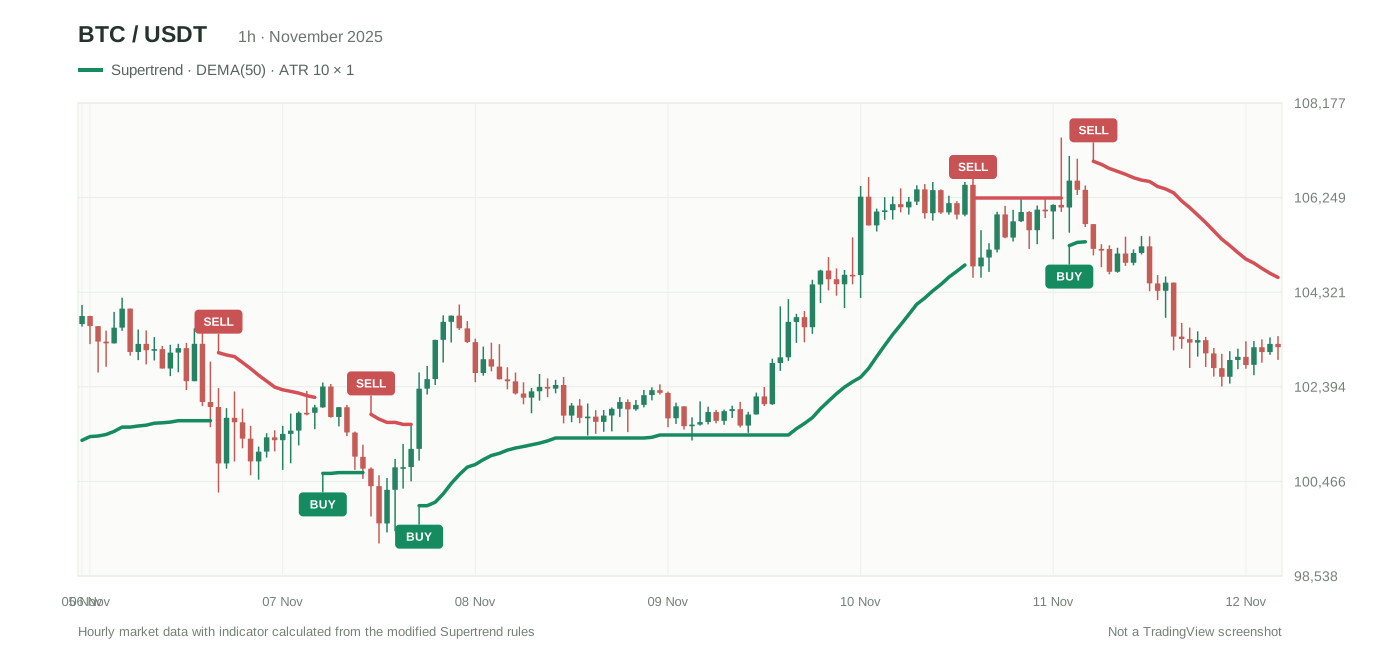
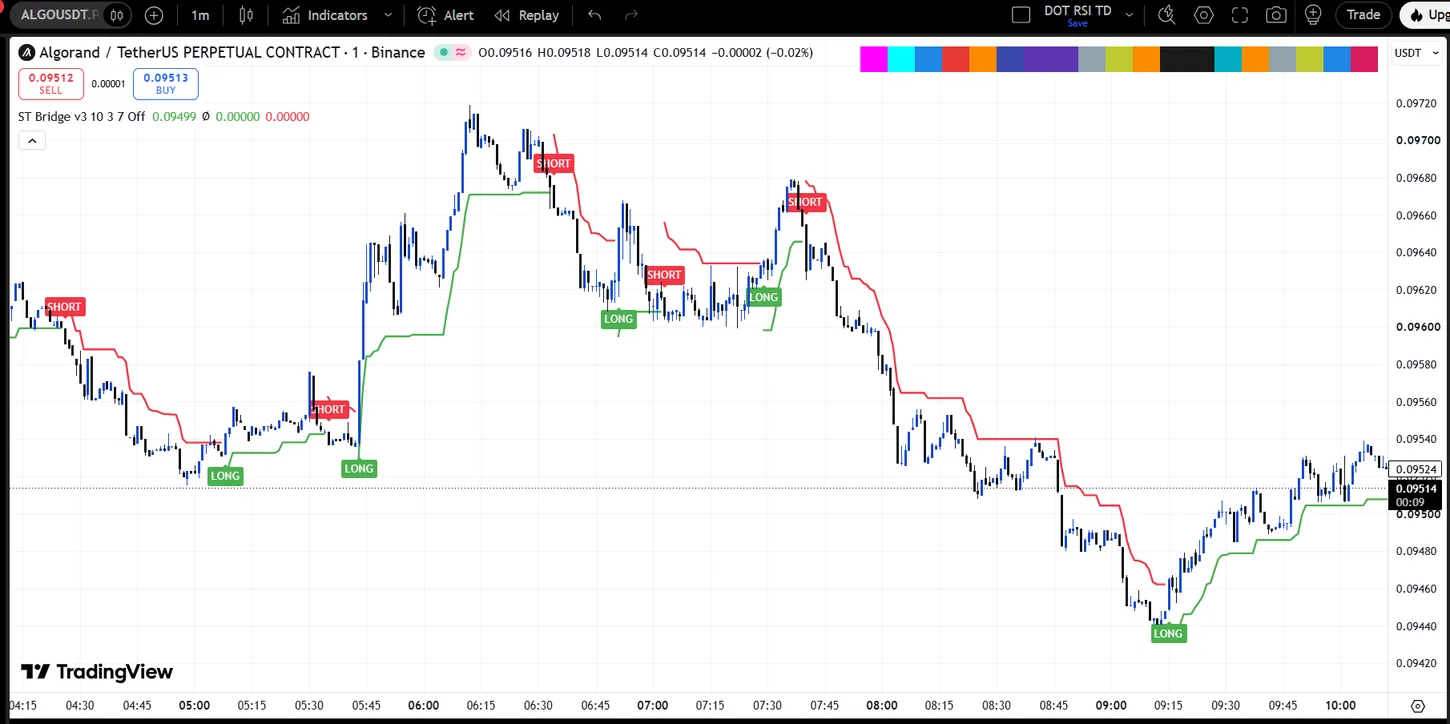
Connect Supertrend signals to a Chrome extension with a color strip on the chart. No TradingView technical alerts, webhooks or separate bot subscription.
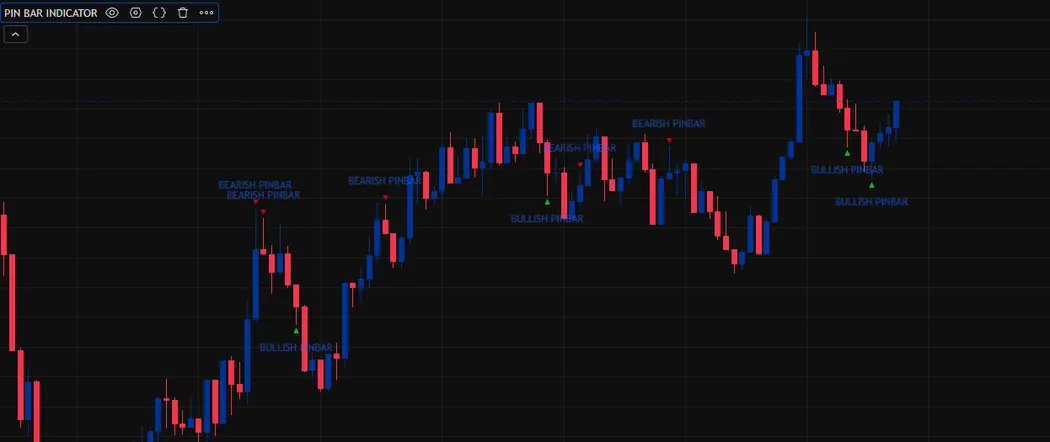
Get a dedicated TradingView alert when a qualifying pinbar is immediately followed by a 3 Line Strike signal without waiting around to spot the combination manually.
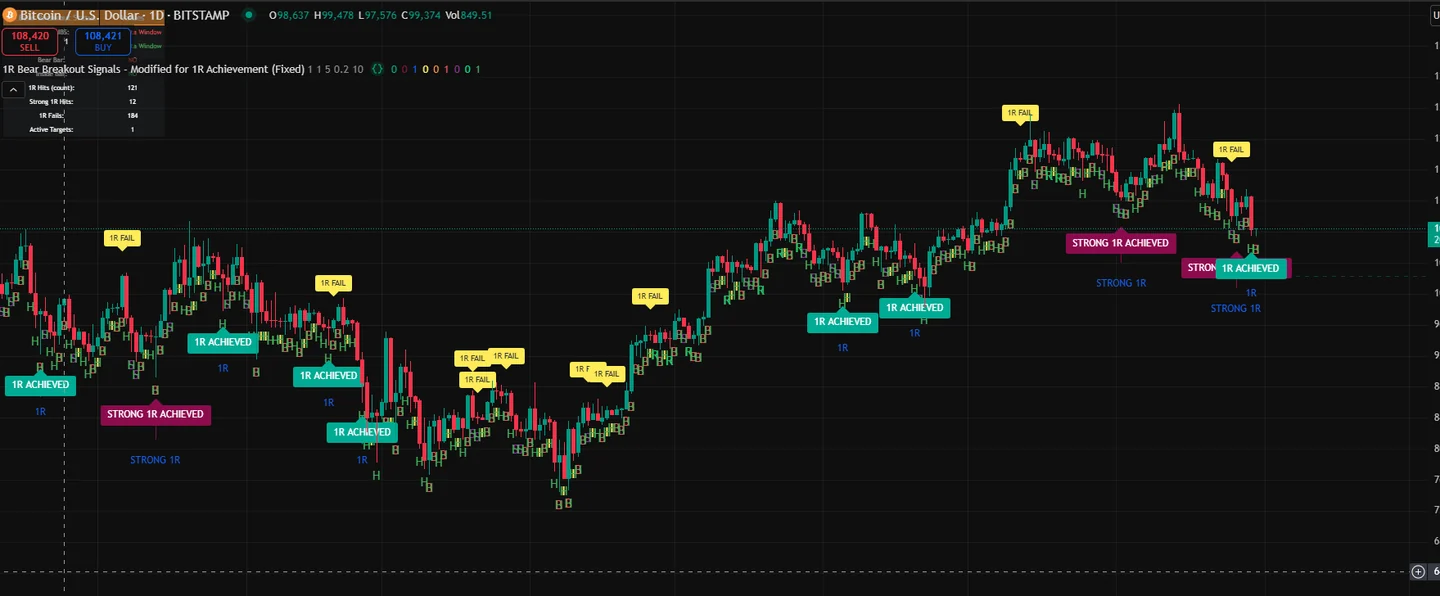
A breakout label is only the starting point. This free indicator follows qualifying bearish setups to their 1R targets and shows which ones get there.
No paid alerts or webhooks: Supertrend signals travel through a visual color strip to a Chrome extension that connects with Binance Futures.
Combine a pinbar with the next candle’s 3LS signal and choose bullish, bearish or any-direction notifications.
Follow breakout signals beyond the entry, with 1R hit, expiry and multi-trigger tracking.
A simple walkthrough of the original indicator, the requirements and the downloadable code.
How the source setting changes the indicator, illustrated using real chart examples.
I'm a software engineer who works on TradingView indicators and Pine Script strategies. This is where I share some of the scripts, the original ideas behind them, and what I changed along the way. The aim is to keep everything easy to understand, even if you're new to Pine Script.
If you run into any issues with installation, chart configuration, or anything related to a script, feel free to contact me on GitHub.